Platform

Everything you need to control company AI in one place.

SignalCost.ai gives owners, finance, operations, and security a shared system for automatic capture, provider coverage, Beacon local evidence, business rules, live traffic, token usage, and reports.

Platform

The Cloud console and Beacon devices work from the same business rules.

Start capture, review provider coverage, add optional integrations, register office Beacons, create policies, review traffic, download reports, and track savings from one product experience.

Provider coverage

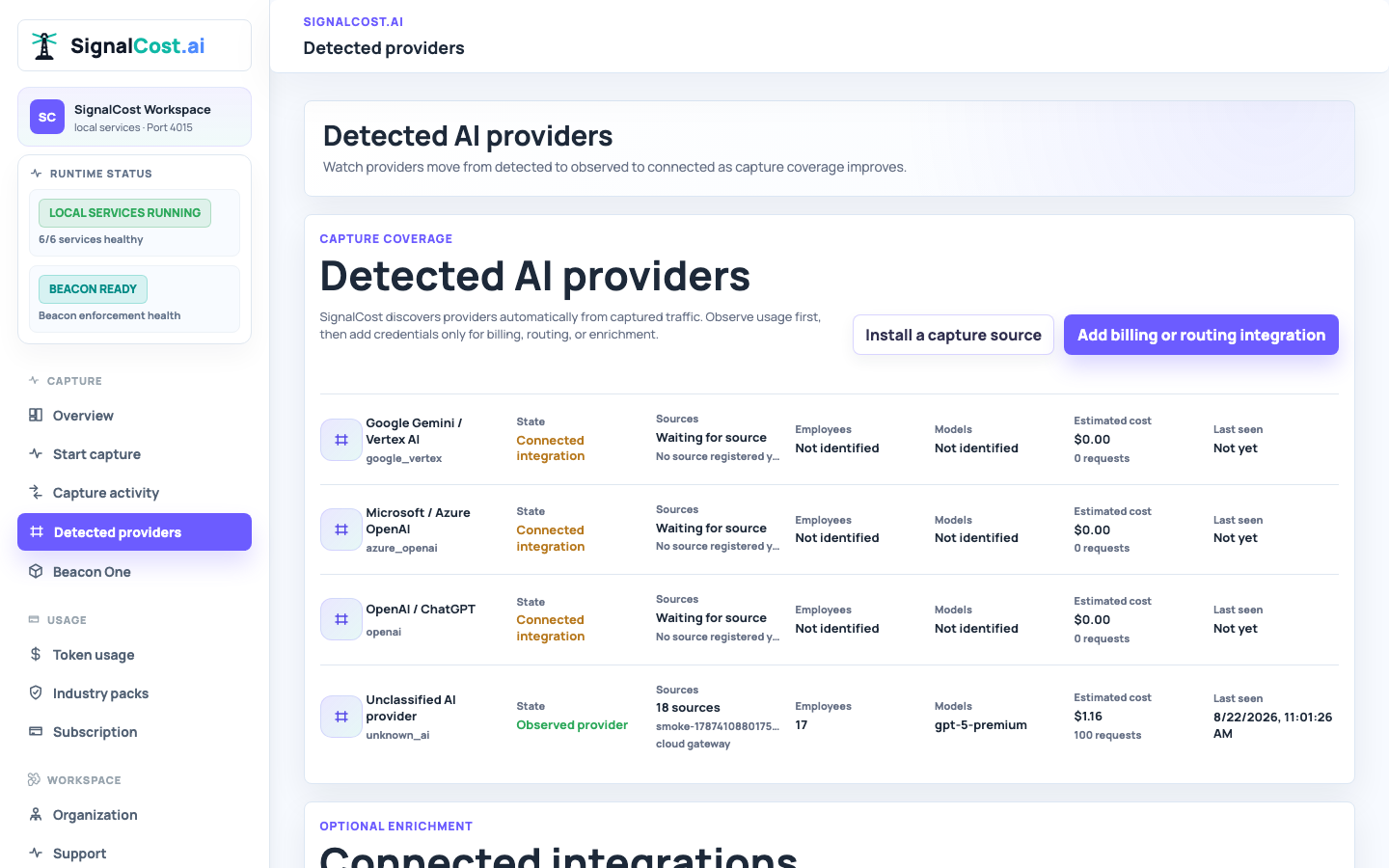
Discover OpenAI, Claude, Azure OpenAI, Google Vertex AI, Bedrock, self-hosted, and other AI activity from captured traffic, then add optional billing or routing integrations.

Automatic discoveryObserved usageOptional integration

Beacon Fleet

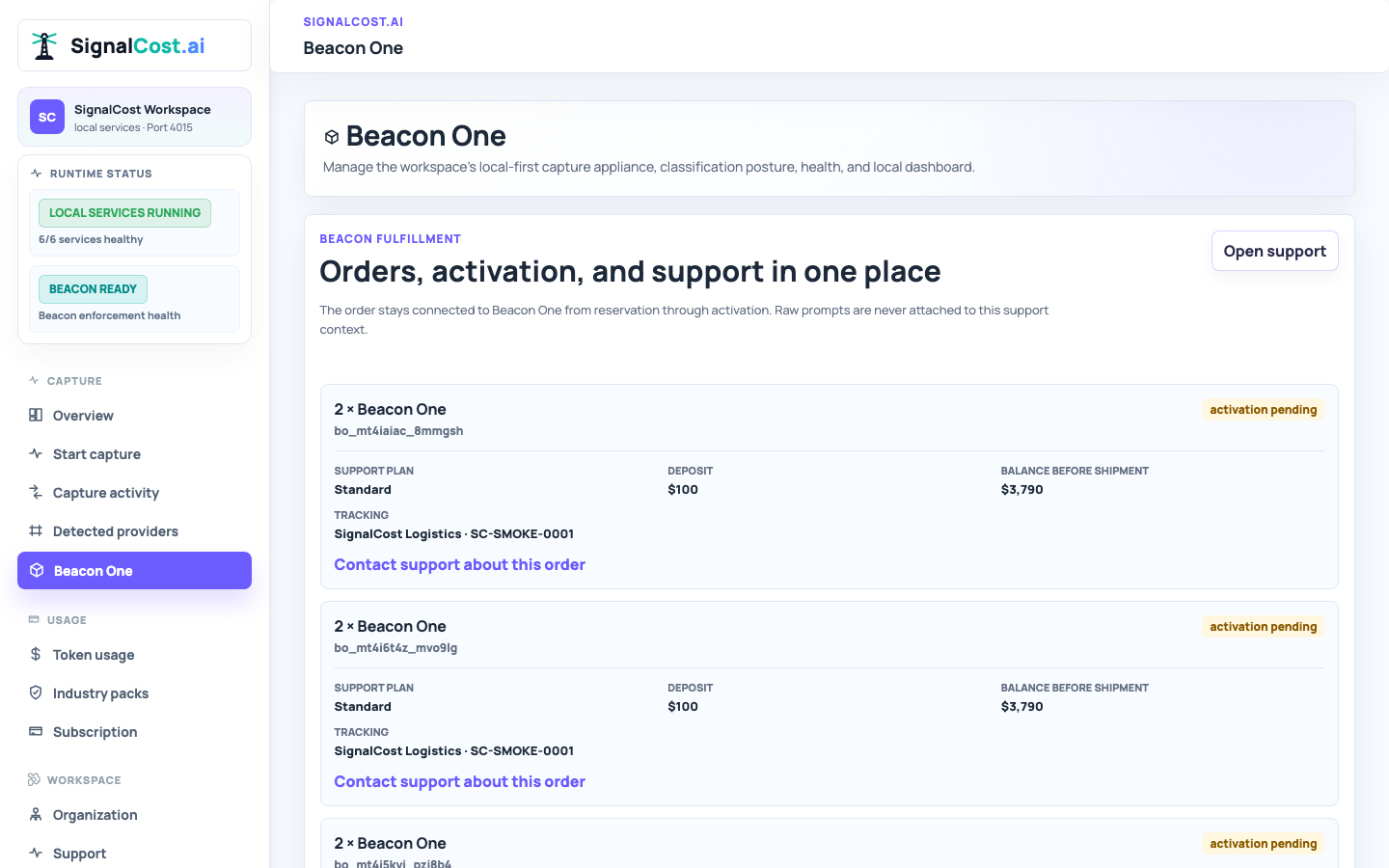
See each office Beacon, its health, traffic status, current name, and direct local dashboard link without extra network jargon.

Office devicesHealthDashboard links

Business Rules

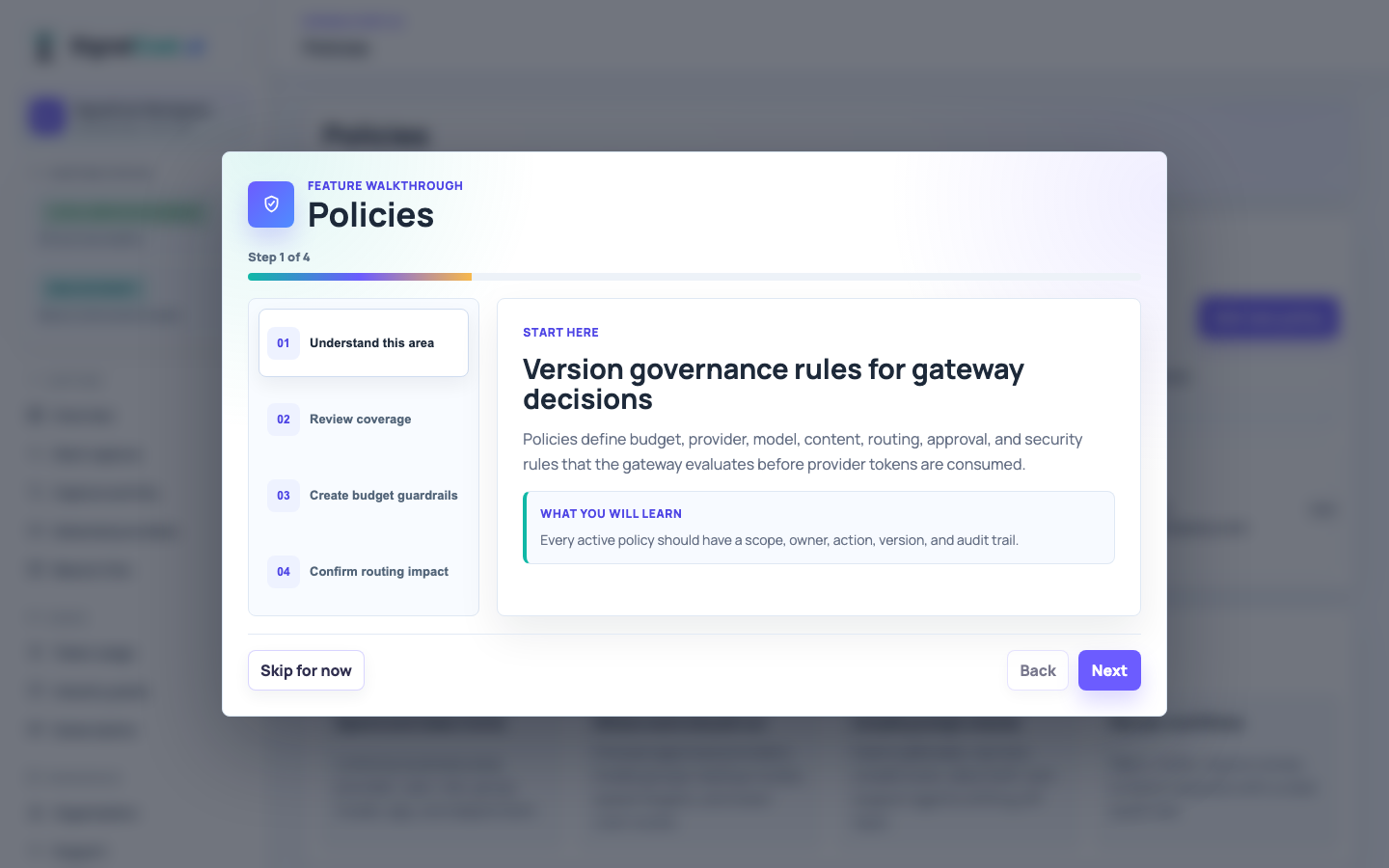
Create plain-English rules for approved business areas, blocked personal use, provider routing, quotas, and review workflows.

TemplatesEdit rulesApply by topic

Live Traffic

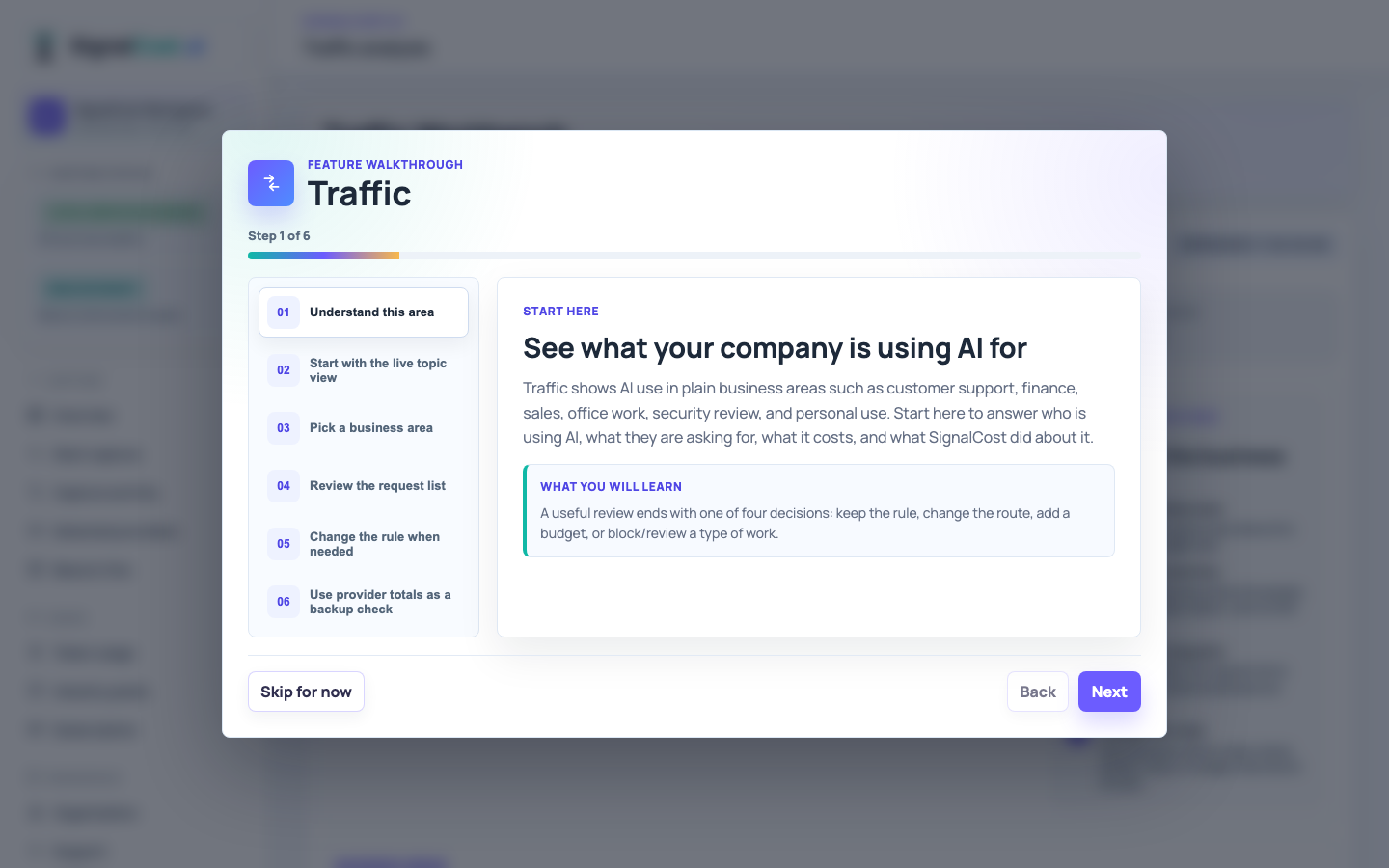
See AI requests by business topic, employee, provider, decision, tokens, cost, and the explanation for why a request was allowed or blocked.

Business topicsPrompt detailsDecision proof

Capture Attribution

See employee and source attribution when it is available, while keeping provider credentials optional for billing, routing, and enrichment.

Source identityWorkspace usersSupport tiers

Spend + Token Limits

Set practical limits by provider, user, role, team, model, department, or agent so spend is controlled before it happens.

BudgetsToken capsApprovals

Agent Monitors

Add monitors for customer-facing or employee agents so they stay inside their approved job and cannot burn tokens on unrelated requests.

Approved jobTool controlsMCP allowlists

Prompt Security

Block prompt injection, jailbreaks, secrets, unsafe tools, data leakage, and off-topic agent use before providers receive the request.

Prompt FirewallAgent abusePre-provider checks

Reports

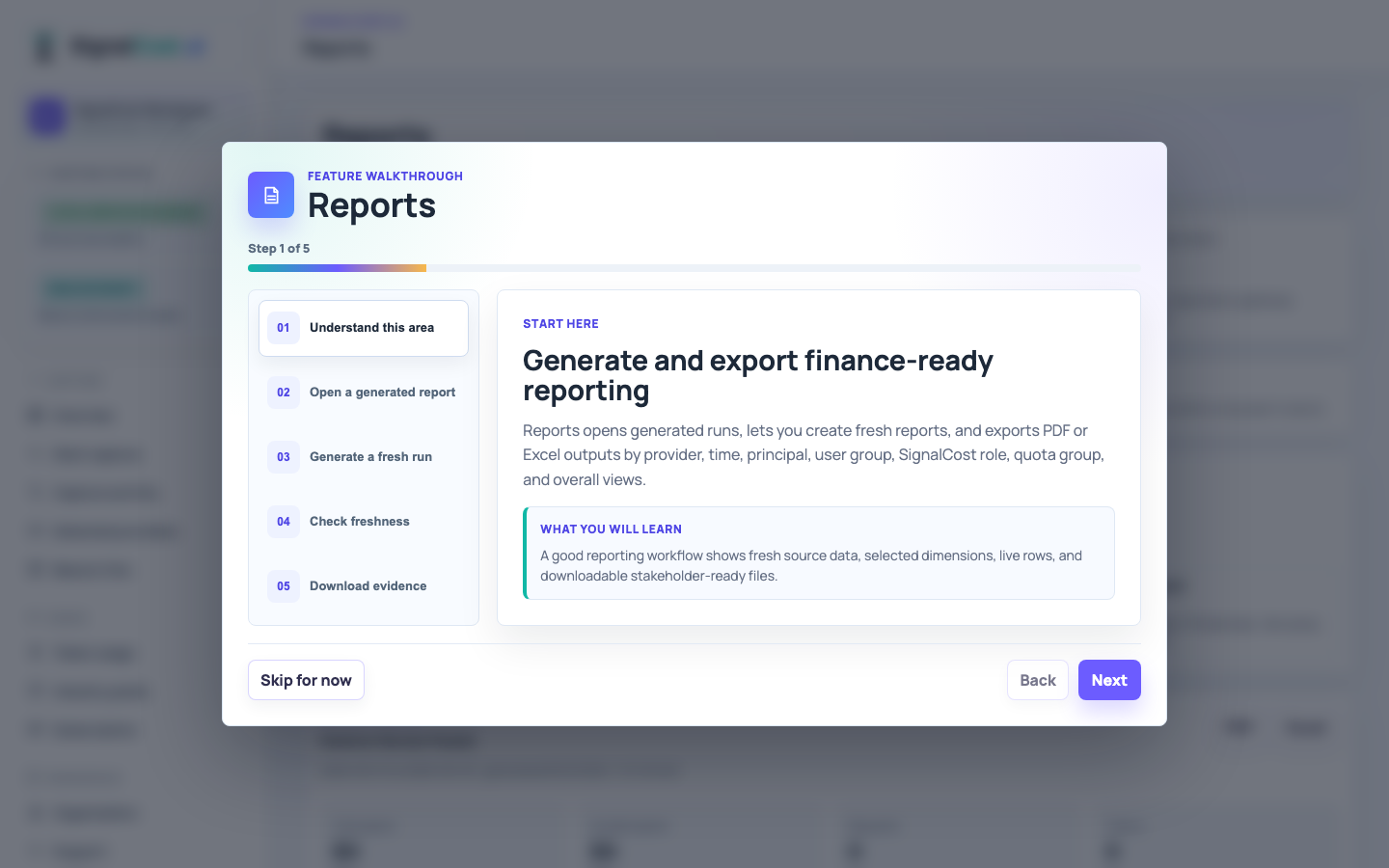
Open live reports and download PDF or Excel summaries for owners, finance, security, and operations.

PDFExcelExecutive views

Savings + ROI

Find cheaper approved routes, forecast savings, and connect AI usage to the business outcome it produced.

SavingsROIBusiness outcomes

Workspace Monitoring

Choose where important SignalCost updates go, who responds, and test that the right people will be notified.

OwnersNotificationsTests

Subscriptions + Payments

Review active subscriptions, enable add-ons such as Cloud Archive, and manage default payment methods in one place.

PlansAdd-onsPayment methods

Legal + Retention

Download signed documents and choose a simple Restricted, Standard, or Enterprise retention option.

Signed PDFsThree choicesRetention

Cloud Archive

Add long-term Beacon history when your company needs more than 90 days of local traffic history for audits or chargeback.

Add-onLong-term historyTenant storage

Support Center

Search real knowledge articles, ask the support agent, and open tickets from a focused support center.

Knowledge baseSupport agentTickets

Product capabilities are organized around jobs your business needs to finish.

SignalCost.ai brings capture, provider coverage, Beacon local control, policy decisions, traffic analysis, reporting, subscriptions, and support into one operating model.

Automatic provider discovery normal teams can start

Capture starts with a browser, Beacon, endpoint, SDK, or MCP source, then shows an administrator which AI providers the company actually uses.

  • See detected and observed OpenAI, Claude, Azure OpenAI, Google Vertex AI, Bedrock, self-hosted, and other AI activity from one screen.
  • Add billing, invoice, catalog, or routing integrations only when account-level enrichment is needed.
  • Store optional credentials in a secure vault and never show them back after setup.
Your company can use approved AI services without handing provider keys to every employee or app.

Beacon local control

Beacon gives each office a local checkpoint for company AI. It helps keep sensitive review close to the office while SignalCost Cloud manages account, rules, reporting, and updates.

  • Activate the device with a code, name it, and see it in Beacon Fleet with health and traffic status.
  • Use Beacon local capture, the native browser installer, or a managed endpoint/SDK/MCP/OTel source when the company wants local evidence.
  • Send decision records back to Cloud so reports work even when full prompt sharing is turned off.
You can control office AI use before your business pays for the wrong request.

Live traffic by business topic

Traffic analysis starts with what business owners care about: who is using AI, what they are asking for, what it costs, and which rule allowed or blocked it.

  • Sort and search topics such as customer support, finance forecasting, sales proposals, research, or personal use.
  • Drill into a topic to inspect matching requests, prompts where retained, policy decisions, provider route, and cost.
  • Jump from a topic to the rules applied to it so administrators can adjust what should be allowed.
You move from token totals to a plain-English view of what your company is actually doing with AI.

Policies in plain English

Policy setup follows the evidence you already have: review active policies, add one from a simple template, edit the rule, and save it for Cloud and Beacon to enforce.

  • Approve a business area, block personal use, require review, route work to a cheaper approved model, or set spend and token limits.
  • Describe the company objective in plain English so the rule makes sense to owners and managers.
  • Keep a decision explanation so a blocked or approved request is not a mystery later.
Rules become business decisions people can understand, not hidden technical configuration.

Employee attribution without provider keys

Capture records can retain employee and source attribution without making provider credentials the starting point. Seats remain optional for permissions, attribution, and support tiers.

  • See which employee, source, model, and provider produced an observed event when that identity is available.
  • Use workspace users for permissions, employee attribution, and support tiers independent of analyzed-token pricing.
  • Add provider credentials only for billing, routing, invoice reconciliation, or enrichment.
Employees get a simple approved path while the company keeps control of provider spend and access.

Reports owners can use

Reports are built for business review, not just engineering logs. Owners can open a report, download it, and share proof of spend, policy, and outcomes.

  • Generate PDF and Excel reports for finance, security, owners, support, and operations.
  • Show business-area traffic, provider usage, blocked requests, and savings opportunities.
  • Download signed legal documents separately from the simple retention settings page.
You can explain AI spend and policy decisions without exporting raw system data by hand.

Cloud Archive and retention

Beacon keeps local traffic history from growing forever. Companies that need longer history can add Cloud Archive as a paid subscription.

  • Use the default 90-day local Beacon history for day-to-day operations.
  • Archive older records out of live traffic so the Mac mini stays healthy.
  • Enable long-term Cloud Archive when your business needs more history for audits or chargeback.
You keep the local device from filling up while creating a clear paid path for longer-term evidence.

Workspace monitoring and support

Monitoring and Support are intentionally simple: know what SignalCost is watching, where alerts go, and where employees or administrators get help.

  • Watch Beacon health, provider connectivity, traffic capture, policy decisions, and support handoff status.
  • Search real support articles, ask the support agent, or open a ticket from Support Center.
  • Keep notification owners and escalation paths clear enough for a non-technical owner to review.
Small teams get a usable operating model without needing a separate AI governance department.

Subscriptions and payments

The subscription page shows the products your company can buy, whether each one is active, and the payment method used for renewal.

  • Review SignalCost Cloud, Beacon subscription, and Cloud Archive status in one list.
  • Add or update payment methods and keep one default payment method on file.
  • Renew, cancel, or manage an active subscription without mixing billing with legal documents.
Business owners can understand what they bought, what is enabled, and what they can add next.
From evidence to action

Operational workflows that move from first capture to useful control.

SignalCost gives administrators live status, concrete actions, and evidence that each provider, Beacon, policy, capture source, and report is working before broad company use expands.

Reporting

Reports that make AI spend understandable.

Report views show AI usage by provider, time, business area, employee, policy decision, quota group, and overall business summary with PDF and Excel downloads.

ProviderOpenAI

$49.2K spend

18.4M tokens
Principal TypeService accounts

$28.6K spend

6 accountable teams
Quota GroupRevenue Ops

$14.7K spend

92% quota
Quota GroupPublic agents

$37.1K spend

412 blocks
SignalCost.ai reporting dashboard
Choose your starting point

Start with 30 days free. Add Beacon One when a device or office needs local control.

Start as an individual with personal protection or as a team with token-bundle pricing. Beacon One remains the local-control device for people and locations that need AI activity reviewed near the source.